
Stablecoin Limit Checker
Learn how to monitor USDC and USDT transactions, balances and counterparties against configurable treasury, compliance and provider limits.
A stablecoin limit checker compares USDC or USDT transactions and balances with defined treasury, compliance or provider thresholds. A reliable checker identifies the token and network, aggregates activity over the correct period, excludes failed transactions and warns users before a limit is exceeded. For business use, it should support approval workflows, address screening and exportable evidence rather than relying on a simple wallet balance.

A stablecoin limit checker compares USDC or USDT transactions and balances with defined treasury, compliance or provider thresholds. A reliable checker identifies the token and network, aggregates activity over the correct period, excludes failed transactions and warns users before a limit is exceeded. For business use, it should support approval workflows, address screening and exportable evidence rather than relying on a simple wallet balance.
What is a stablecoin limit checker?
A stablecoin limit checker is a control that measures stablecoin activity against a predefined threshold. The threshold might apply to one payment, a wallet balance, daily transaction volume, a counterparty or a rolling period. When activity approaches or exceeds the limit, the checker can warn the user, require additional review or stop the transaction from proceeding through the company’s workflow.
The calculation sounds simple: divide the measured amount by the applicable limit. In practice, finance teams must first define what counts toward the amount, when the measurement period starts and which token, network, wallet and legal entity are in scope.
A checker is not itself a source of tax or regulatory rules. Reporting obligations differ by jurisdiction, entity and transaction type. Treasury teams should obtain applicable thresholds from their tax, compliance and legal advisers, then configure those thresholds in the operating process.
Which stablecoin limits should finance teams monitor?
“Limit” can describe several different controls. Combining them into one number produces misleading results. A transfer can be within a wallet’s technical capacity but above a company approval limit, or within an internal policy while exceeding a provider’s redemption allowance.
| Limit type | What it measures | Typical response | Control owner |
|---|---|---|---|
| Single-transaction limit | Value of one outbound or inbound transfer | Require additional approval or reject the request | Treasury or finance |
| Daily or monthly volume limit | Cumulative activity during a calendar or rolling period | Warn, pause or escalate before the next transfer | Treasury operations |
| Wallet balance limit | Stablecoins held at a point in time | Sweep excess funds or rebalance custody | Treasury |
| Counterparty limit | Aggregate exposure or payments to one recipient | Request enhanced review or reduce exposure | Finance and compliance |
| User approval limit | Amount an employee can initiate or approve | Add approvers or a higher signing quorum | Controller |
| Provider limit | Transfer, mint, redemption or fiat off-ramp capacity | Schedule activity, request a change or use another approved route | Treasury |
| Reporting threshold | Activity that may trigger a filing, record or review requirement | Preserve evidence and follow the applicable procedure | Tax, legal or compliance |
Provider limits should be checked directly in the relevant agreement or account because they can depend on verification status, jurisdiction, transaction route, banking hours and available liquidity. A public blockchain generally does not impose a business spending limit on a wallet; the enforceable limit usually sits in the custody, signing or operational layer.
How the calculation should work
For a basic limit, the percentage used equals the applicable activity divided by the configured limit, multiplied by 100. A transaction amount of 800,000 against a 1,000,000 monthly limit would use 80% of that limit. The checker should display both the remaining capacity and the data included in the calculation.
The difficult part is defining applicable activity consistently. A finance-grade checker should account for the following:
- Token identity: Verify the token contract, not just the ticker. Unrelated assets can use names such as USDC or USDT.
- Network: Track each supported blockchain and decide whether limits apply per network or across all networks.
- Direction: Specify whether inbound transfers, outbound transfers or both count toward the threshold.
- Transaction status: Do not treat failed or dropped transactions as completed payments. Pending transactions may need to reserve limit capacity until confirmed or cancelled.
- Internal transfers: Identify movements between company-controlled wallets so they do not inflate external payment volume unless policy requires them to count.
- Time period: Define calendar day, calendar month or rolling window, including the timezone used at period boundaries.
- Valuation: State whether the checker uses token units, transaction-time market value or an accounting valuation source. A stablecoin’s market price is not guaranteed to remain exactly equal to its reference currency.
USDC and USDT also use different contracts across networks, and token decimal handling can vary. Systems should retain the original onchain amount and transaction identifier rather than relying only on a rounded dashboard value.
From a warning tool to an enforceable control
A spreadsheet or calculator can show that a proposed payment would exceed a threshold, but it cannot stop an employee from signing through a separate wallet. The control becomes more effective when the check occurs before approval and signing.
There are three common operating models:
| Model | Strength | Key weakness | Best fit |
|---|---|---|---|
| Manual spreadsheet | Quick to configure and easy to inspect | Data can be stale, duplicated or bypassed | Low-volume monitoring and temporary controls |
| Dashboard alert | Automates aggregation and provides timely visibility | An alert may not prevent a separate wallet transaction | Monitoring across several wallets or networks |
| Pre-transaction workflow | Checks the request before approval and signing | Requires every relevant payment to use the controlled workflow | Business treasury and repeatable payment operations |
For a pre-transaction check, the system should calculate current usage, reserve capacity for approved but unsigned requests and recalculate if the amount or destination changes. A payment that breaches a limit should not simply disappear from the queue. It should show the breached rule, current usage, proposed amount and required escalation.
Limits also work best alongside separation of duties. The person creating a payment should not be able to raise their own limit and approve the same transaction. Material changes to thresholds should be logged with the previous value, new value, effective time and authorising person.
Limits do not replace counterparty screening
A payment can be below every financial threshold and still create compliance risk. Before sending, the destination address should be checked under the company’s sanctions and address-risk process. Finance teams should also confirm that the address belongs to the intended counterparty and that the selected blockchain is supported by the recipient.
Screening and limits answer different questions. Screening asks whether the address presents an identified risk; a limit asks whether the amount or cumulative exposure is acceptable. Both checks should be associated with the payment record so reviewers can establish what was assessed before execution.
Evidence the checker should retain
A green status alone is weak audit evidence. To reconstruct a decision, finance teams need the input, rule and outcome. The record should include the stablecoin, contract, network, amount, destination, initiator, approvals, signing result, transaction hash and timestamps.
It should also preserve the threshold applied and the measured usage immediately before the payment. Otherwise, a later limit change can make an old transaction appear compliant or non-compliant under rules that did not exist when it was approved.
A useful limit record answers four questions: what was proposed, which rule applied, who authorised it and what happened onchain.
Implementation checklist
- Inventory every wallet, exchange, custodian and payment provider used for USDC or USDT.
- Assign each address to a legal entity, business purpose and responsible owner.
- Define separate transaction, period, balance, counterparty and user limits where needed.
- Document token contracts, supported networks, timezone and treatment of internal or failed transfers.
- Set warning and breach responses, including who can approve an exception.
- Place checks before signing and screen destination addresses before sending.
- Test period boundaries, pending transactions, duplicate imports and transfers between company wallets.
- Export the underlying transaction and approval evidence for reconciliation and audit review.
- Review limits whenever payment volumes, counterparties, providers or legal obligations change.
Choosing a stablecoin limit checker
Choose based on enforceability and evidence, not only dashboard design. Ask whether the checker covers all company-controlled wallets, distinguishes legitimate token contracts, aggregates multiple networks and can prevent or escalate a payment before signing. It should make exceptions visible rather than silently overriding a threshold.
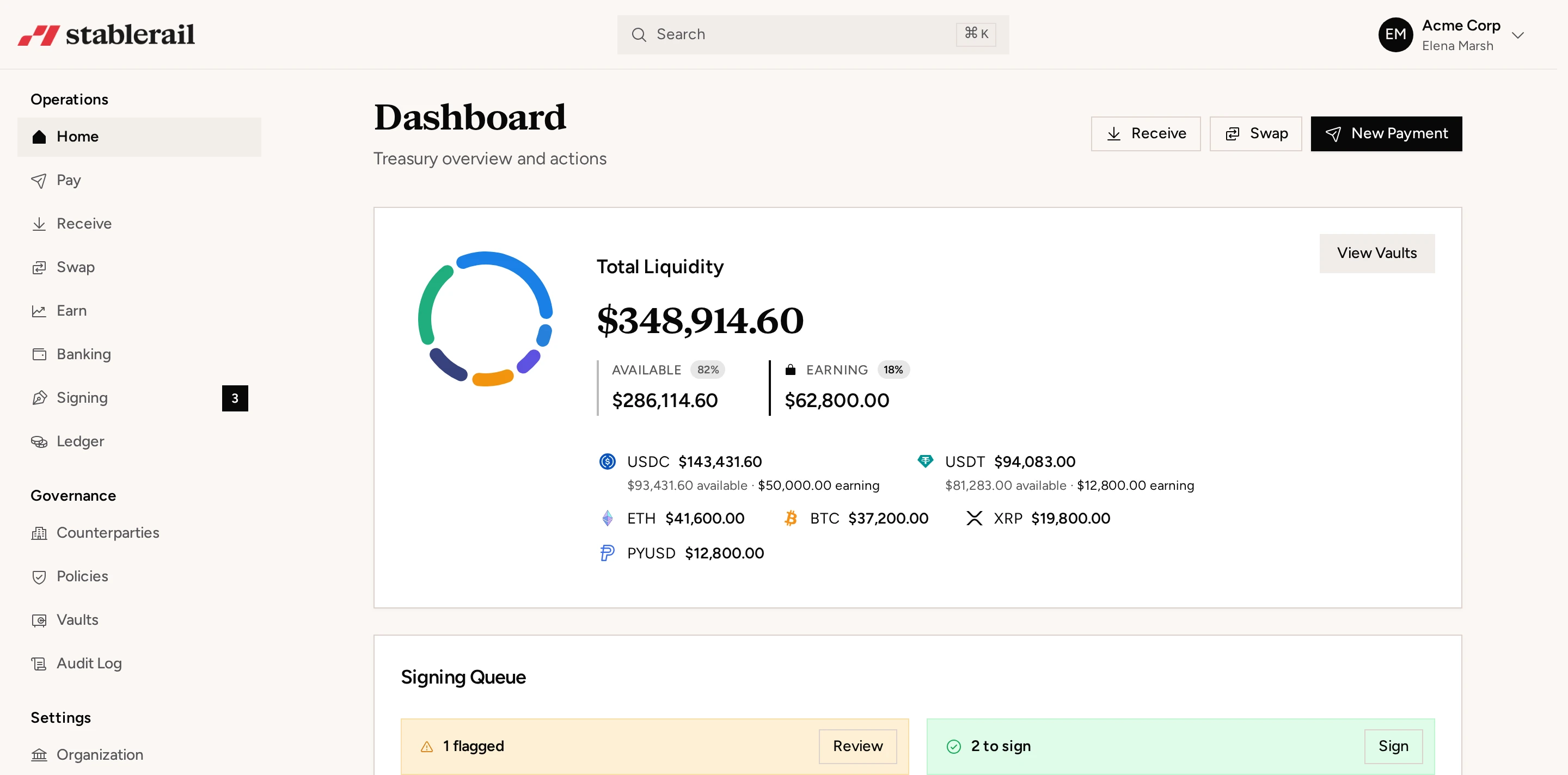
For companies operating stablecoin treasury at scale, the checker should connect payment initiation, approvals, signing and accounting evidence. Stablerail provides one business account for USDC and USDT treasury with approvals and signing quorum, sanctions and address screening before send, corporate cards, global payouts, fiat off-ramp and exportable audit evidence.
No checker eliminates the need for reconciliation. Onchain records should be reconciled to the company ledger, provider statements and bank activity associated with minting, redemption or off-ramping. Limits are most reliable when finance owns the definitions, operations follow one controlled process and exceptions leave a reviewable record.
Frequently asked questions
How do I check my USDC or USDT transaction limit?
First identify which limit applies: an internal treasury limit, wallet or custodian limit, provider redemption limit, or legal reporting threshold. Then compare the proposed transaction and cumulative activity for the defined period with that limit, including pending transfers if they reserve capacity.
Do stablecoins have a blockchain transaction limit?
A blockchain may have technical constraints such as available balance, fees or transaction-size mechanics, but it generally does not impose a company spending policy. Business limits are usually enforced through a custodian, signing workflow, exchange, payment provider or internal approval process.
Should stablecoin limits be calculated daily or monthly?
Use the period that matches the underlying policy or provider restriction. Document whether it is a calendar or rolling period, which timezone controls the boundary and how pending, failed and internal transfers are treated.
Can a stablecoin limit checker prevent a payment?
Only if the check is integrated into the approval and signing process used for the payment. A spreadsheet or monitoring dashboard can generate a warning, but users may still bypass it by sending from a separate wallet.
Do USDC and USDT activity limits include transfers between company wallets?
That depends on the purpose of the limit. Internal transfers are often excluded from external payment volume but may still count toward operational, custody or provider limits, so controlled wallets must be identified and the treatment documented.
Former CEO of Simple, a self-custodial wallet with $2B+ in transaction volume across 75+ countries.
More about the Stablerail team- Stablecoin treasury managementApprovals, limits, yield and reporting on one balance.
- Stablecoin payoutsBatch contractor and vendor payments with screening.
- USDT vs USDCWhich stablecoin your company should settle in.
- Stablecoin finance glossaryMPC, off-ramp, travel rule and the rest, in plain English.
- Product updatesEverything we ship, month by month.